BusinessAgents.aiCONNECTED AI TEAMS
OPERATIONS · AI AGENT

Shipping

Prepare shipment details and identify delays.

Explore the Operations team ↗

From information to useful action.

INPUTS
Orders and carrier updates.
AGENT WORK
Prepare shipment details and identify delays.
OUTPUTS
Shipment drafts and delivery alerts.
PRACTICAL WORKFLOWS FOR SMALL AND MIDSIZE BUSINESSES

2 ways to put your Shipping AI agent to work.

Explore where an agent could help your team move from information to action. These are illustrative implementation options; the workflow and level of automation depend on your systems, data and approval rules.
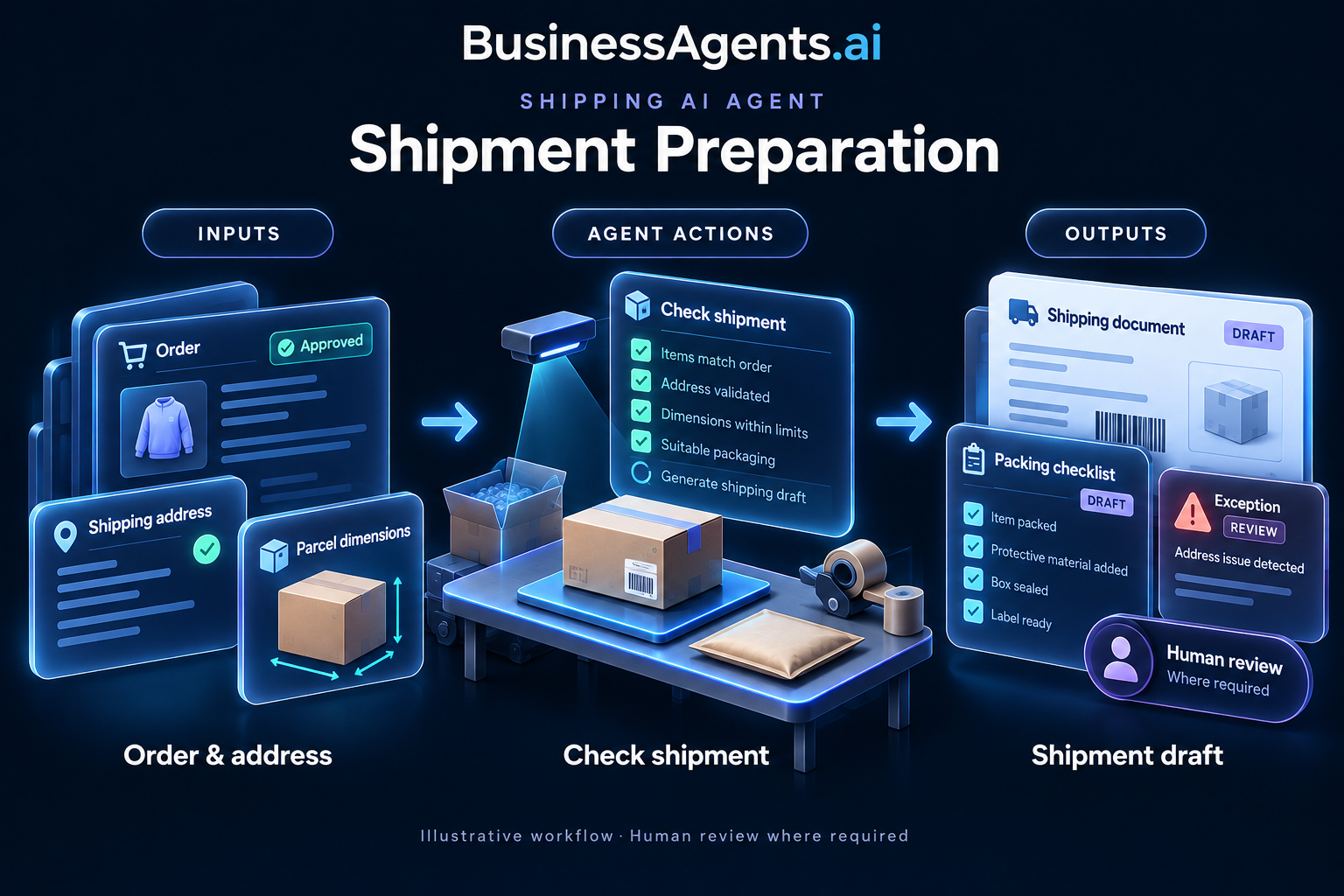
Shipping — Shipment preparation. Inputs: Approved orders, verified addresses, item weights and packaging rules. Agentic work: Checks fulfillment details, identifies missing information and prepares carrier-ready shipment data. Routes the booking for approval when costs or requirements exceed set limits. Outputs: A shipment draft, packing checklist and exception queue.
1. Shipment preparation
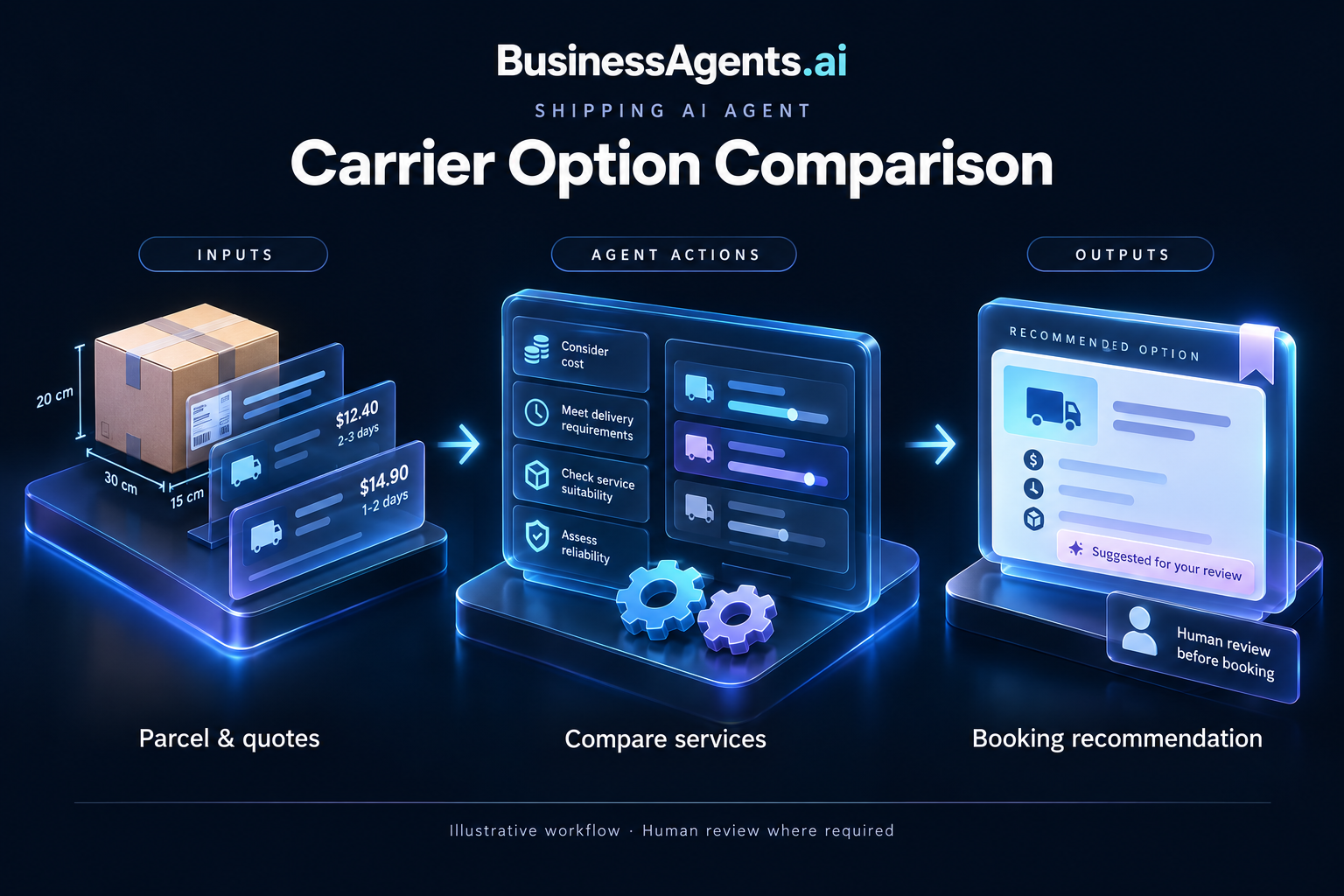
Shipping — Carrier option comparison. Inputs: Shipment dimensions, destination, carrier quotes and delivery requirements. Agentic work: Compares quoted service levels, restrictions and costs, then proposes options that meet the order requirements. Flags unavailable or uncertain delivery commitments. Outputs: A carrier comparison and booking recommendation.
2. Carrier option comparison

Build the workflow around your business.

BusinessAgents.ai starts with one process: map the handoffs, connect approved data sources, define the actions and approval points, and test with real examples before rollout. Agree on success measures such as turnaround time, rework and exception handling, then review results with your team.

Explore implementation with BusinessAgents.ai →

Meet the rest of Operations.

UP NEXT

Inventory Management

Keep scrolling to the end to continue automatically.